

NotebookLM 101, Part 5
Moving from Audio to Video Overviews (and when you actually need them)

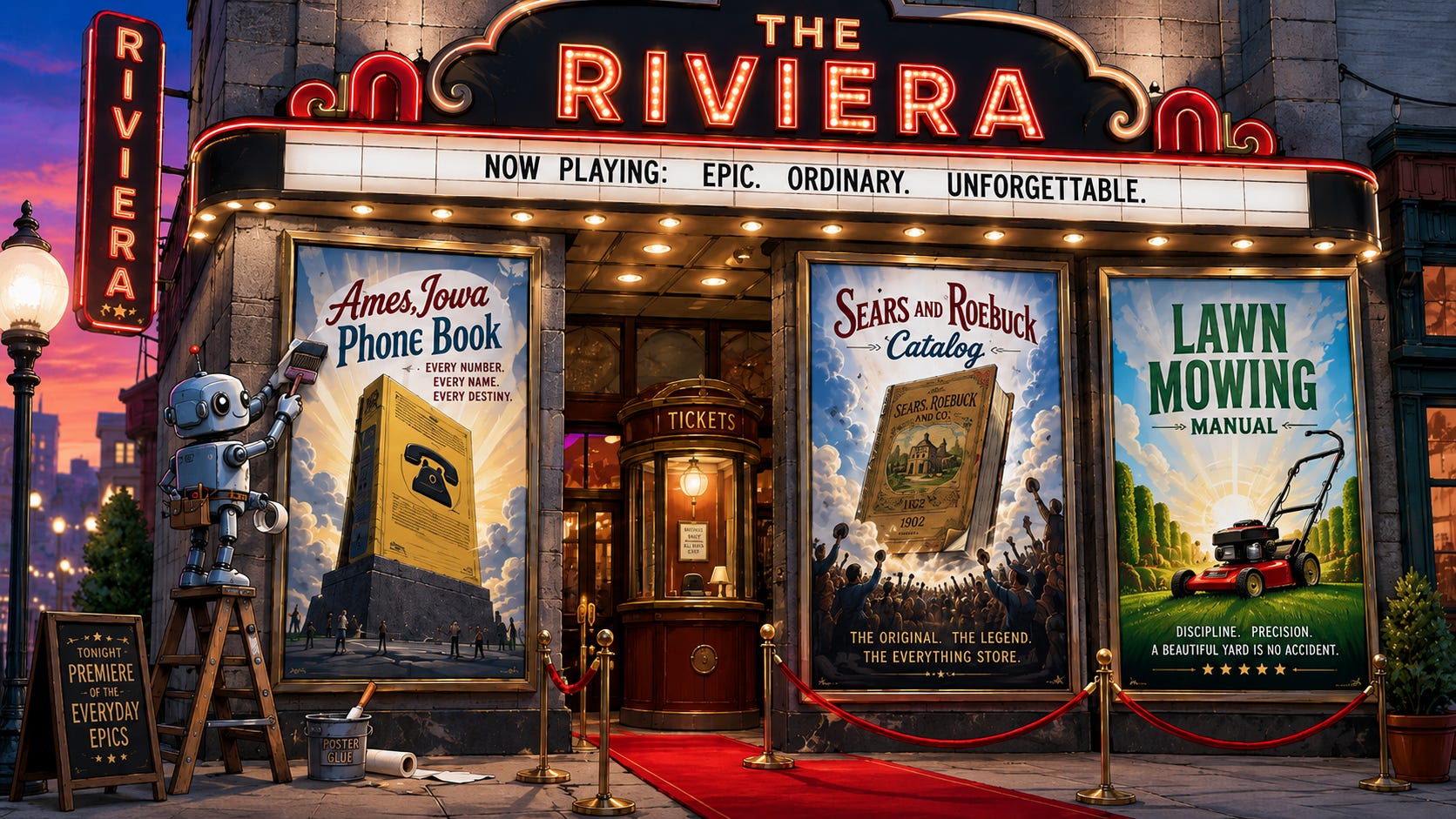
In Part 4, we explored Audio Overviews and how they transform uploaded documents into a conversational podcast for your morning commute. The results are incredibly useful for processing complex information on the go. I have heard some push back with a question about how to accommodate visual learners1. Meet the newest feature in the NotebookLM Studio: Video Overviews.
I will admit these videos are highly amusing to generate. However, I am not entirely convinced they provide significantly more value to the end user than the audio podcasts. Plenty of folks online are bragging about turning boring documents into viral videos or building the perfect setup for visual learners. I think the everyday utility is more limited. However, there are practical realities where a short video works better than a PDF.
The Case for Moving Pictures
The truth is that so many of the documents we create as educators go largely unread. You spend a week writing a policy update, a curriculum guide, or a parent FAQ. They land in an inbox, receive a polite reply, and sit unopened.
Video gets watched. It gets shared. It meets people exactly where they already spend their time.
Making a good video traditionally requires time, skill, and equipment that most educators lack on a random Tuesday. Screen recorders are clunky. Editing timelines is frustrating. Getting your face on camera mid-semester is a hard ask. NotebookLM skips all of that. You upload your document, it builds the video, and you share the link.
The Ames Telephone Book Goes to Hollywood
You may remember my “silly” stress-test notebooks from previous posts. The 1989-1990 Ames, Iowa, telephone book remains my go-to document for pushing these tools to their limits.
I asked NotebookLM to generate a Video Overview from the phonebook. I had no idea what it would do with 600 pages of names, addresses, and listings for hardware stores that no longer exist.
Here is the first attempt:
It produced the fairly typical “explainer” video, much like the NotebookLM podcast feature. It focuses on child care options and also details some future-looking businesses selling personal computers.
I pushed it further by giving it a specific prompt. I asked the system to frame the phonebook as a story about a community rather than a static directory. The prompt was simply: “Tell the story of the community of Ames on the dawn of the 1990s.” I also chose a new category, the “cinematic” video.
The results are predictably dramatic:
“In a standard American suburb2, daily life follows a predictable rhythm, but move to the Midwest, and that predictability vanishes the moment the temperature drops. Winter in Ames, Iowa, shuts down standard routines. When the snow drifts high enough to leave a farm tractor completely buried, normal logistics fail. Add a massive university schedule that dictates traffic and commerce, and the typical nine to five schedule stops making sense Residents hit a wall. Standard commercial services don’t account for sudden blizzards or university game day traffic. You either force a generic nationwide solution onto a local problem, or you hunt for a hyper-local specialist.”
The difference between the two outputs is highly instructive. The first video is a faithful, structured summary. The second feels like a documentary hook you could show at the start of a social studies unit. Both came from the exact same source material. The media has some questionable choices for video assets, but you get the point.
What You Can Actually Do With This
Let’s move from the phonebook to your Monday morning. Here are three practical applications for educators right now.
The Parent-Facing Explainer: Upload your course syllabus, your classroom norms document and the district’s grading policy. Generate a 3-minute video that summarizes all three. Send it home at the start of the year instead of a PDF packet. Parents will actually engage with the content. Watch your confused parent emails drop significantly.
The Student Preview: Before a complex unit, upload your primary sources and key readings. Generate a short Video Overview and share it with students the day before. It serves as a primer. It activates prior knowledge before they hit the hard stuff rather than forcing them to meet the material cold. I like this as a scaffolding technique, maybe even adding a bit of “LAST TIME IN WORLD HISTORY” feel to it.
The Quick Staff Update: Upload a one-pager outlining a new protocol to your team and generate a video. Deliver the same information in a format people will actually watch. It replaces a long email or a meeting that could have been an email.
One Caveat
Video generation works best when your source material is well-organized. If you upload a messy or inconsistent document, the video will reflect that messiness. Garbage in, garbage out. The AI is very good at finding structure, but it cannot create it from thin air.
If your first attempt feels generic, try two specific strategies. First, clean up your source document. Second, give the tool a more specific prompt before generating. Tell it the audience, the tone and the key idea you want to land. You will get a dramatically different result.
Your Turn
Take the document on your desk that you most wish people would actually read. Upload it, generate a Video Overview, and share it with one colleague or one class. Report back on whether they watched it.
Need help getting set up? The Montana-based FLL AI Help Desk is ready to walk you through it at ai.help@montanadigitalacademy.org.
Learning styles don’t exist.
I read this transcript first with the “In a world where…” voice typical of movie trailers.